back to videos
Getting Started
47 sec
Work with PDFs, documents, spreadsheets, and other files directly in Slack.
Learn how to:
→ Attach a file to your message
→ Ask Dobbin to summarize, analyze, or find specific information
→ Turn any document into an interactive conversation
Transcript:
Here's how to work with any file directly in Slack using Dobbin.
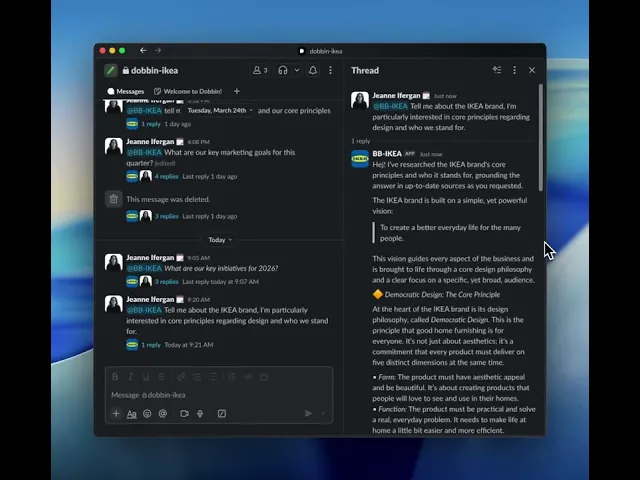
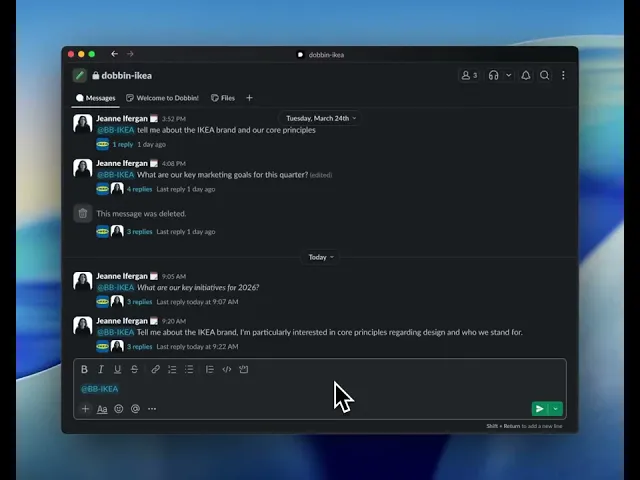
First, you're going to want to start a new message and @mention your Dobbin.
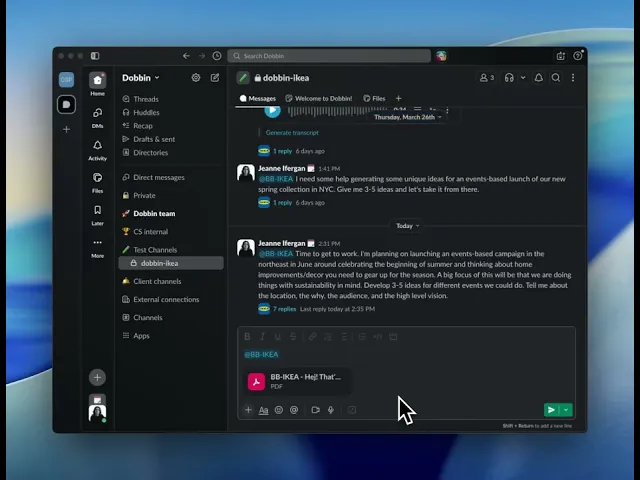
Then, in that same message, just attach your document. It can be a PDF, a Word Doc, or even a spreadsheet.
Right after attaching it, tell Dobbin what you need.
You can ask it to summarize the key points, pull out the action items, or find a specific piece of information inside.
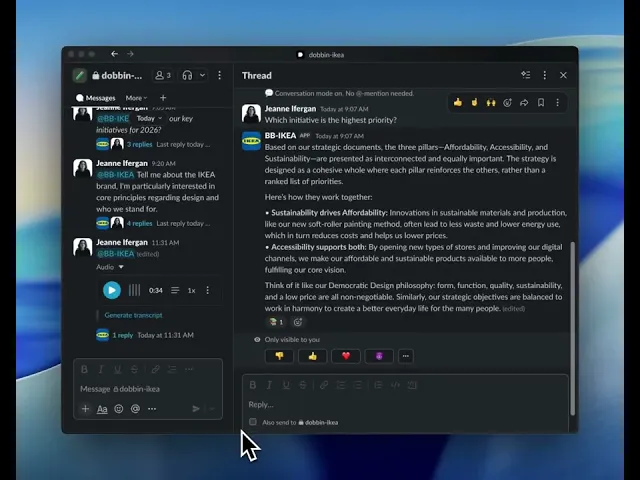
Hit send and Dobbin will get to work, starting a new thread where it will read the document and give you a detailed answer based on its contents.
And that's it. You've turned a static document into an interactive conversation, getting the insights you need in seconds.