back to videos
Getting Started
53 sec
Turn any Slack conversation into a document, presentation, or spreadsheet.
Learn how to:
→ Export a thread from the More Actions menu
→ Ask Dobbin to create a document directly in a reply
→ Turn conversations into ready-to-use documents
Transcript:
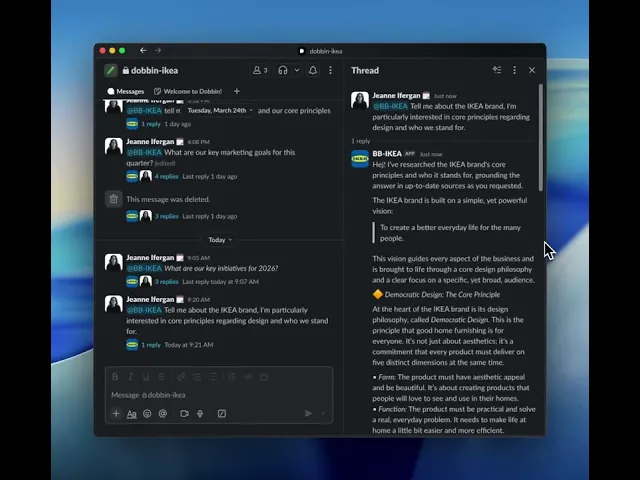
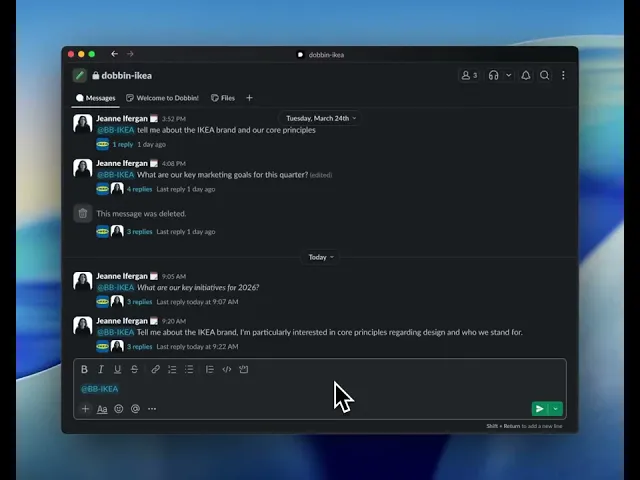
Say you just had a great conversation with Dobbin and all the thinking's done.
Now what?
Here's how to turn that entire thread into a polished document in seconds.
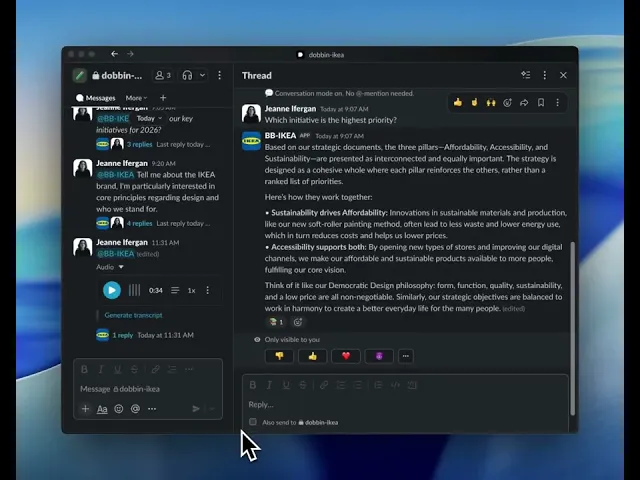
First, you'll want to find the message you want to export, and open the more actions menu.
Select which type of document you want to create and click it.
You can also choose to export as a presentation or as a spreadsheet.
Dobbin will then get to work synthesizing the key points and decisions from the conversation.
Alternatively, you can always just ask Dobbin to turn the thread into a document directly in a reply.
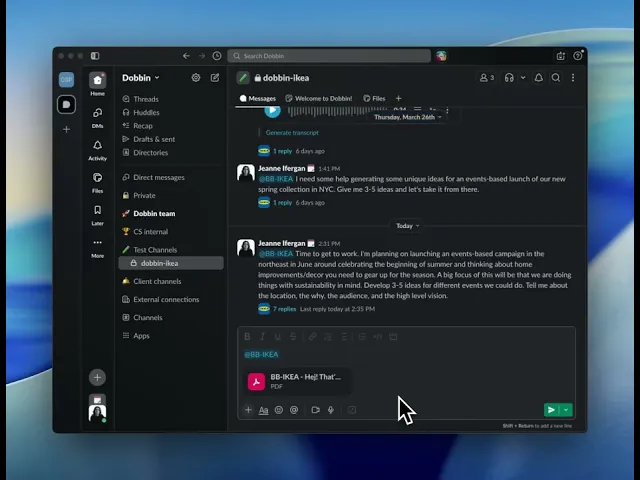
In just moments you'll get a link.
Click it and you'll find a ready to use document with all the important information perfectly organized.
And just like that, you've gone from a thread-based brainstorm to a finished asset without any copying and pasting.