back to videos
Getting Started
45 sec
Work with Dobbin in Slack by starting a conversation.
Learn how to:
→ How to start a new conversation with a single @message
→ How Dobbin automatically creates and follows threads for you
→ How to have a natural, back-and-forth conversation without re-tagging
Transcript:
Ready to start a conversation with Dobbin? It's really simple.
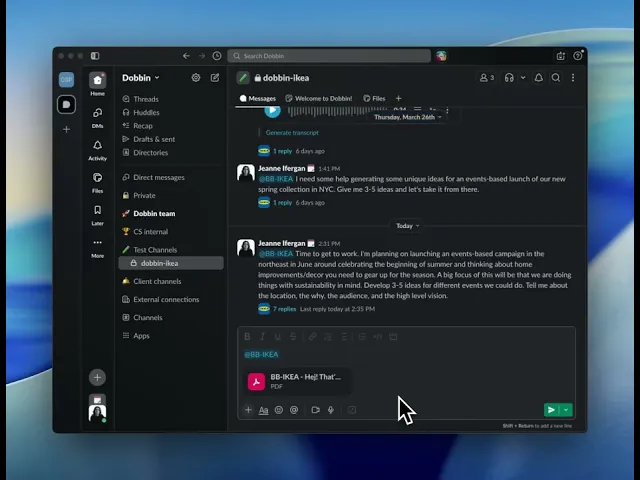
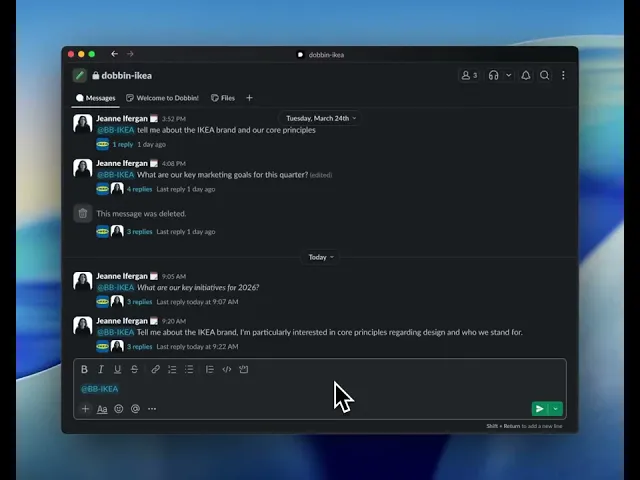
First, you'll want to go to the right channel and start a new message.
To begin, just app message your Dobbin instance and ask your question all in the same message.
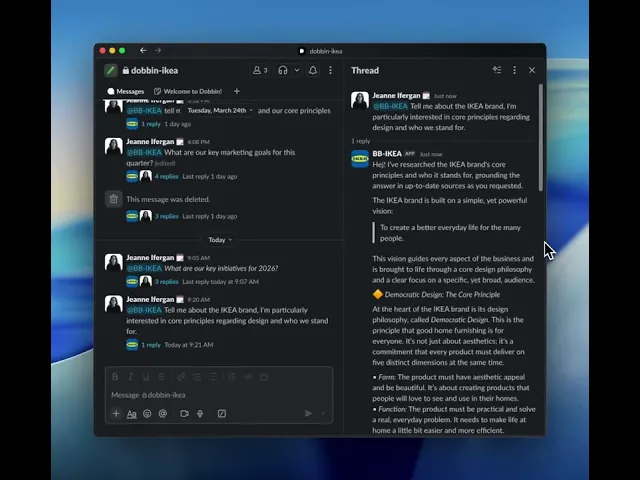
When you hit send, Dobbin will automatically create a new thread to keep the conversation organized.
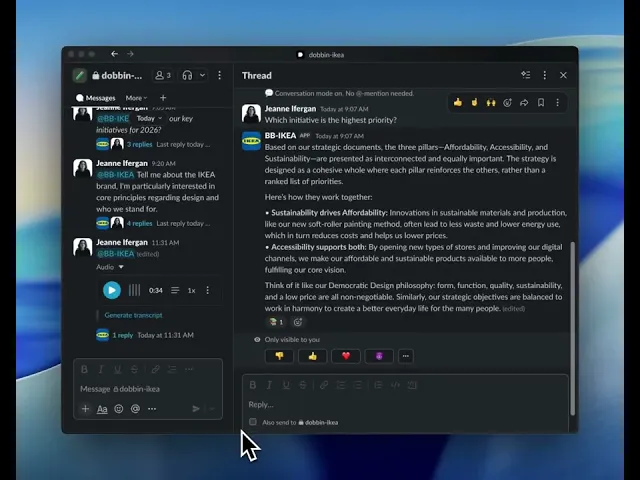
Now for the most important part, once you're in the thread, you don't need to tag Dobbin again, just type your follow-up question and send it.
And that's it.
Dobbin stays in the conversation with you.
It's simple, it's clean, and it's all in one thread.
Now you're ready to get started.