Inside Dobbin
Teach Dobbin once. Your whole team uses it.
Add your docs and connect your tools. Dobbin learns how your company thinks, and your whole team can ask it in Slack. Live in 15 minutes.
Dobbin HQ
Where Dobbin learns your business
Dobbin HQ is your private hub. Everything Dobbin knows about your business, in one place and always up to date.
Foundation
Your company’s rulebook
Your strategy, voice and character, written down. It’s the why and the how behind your decisions, so every answer reflects how your company actually works.


Knowledge Base
All your know-how, ready to use
Product specs, customer data, project plans, meeting transcripts and research in one library. Share it with everyone, or lock private documents to one Slack channel.
Integrations
Plugs into the tools you already use
Connect Notion, Google Drive, OneDrive and more. Dobbin syncs the folders you pick into your Knowledge Base. When you ask, it checks tools like HubSpot and Shopify for the latest, without changing a thing.


Connectors · Beta
Take Dobbin into Claude, ChatGPT and Cursor
Your company’s knowledge goes into the AI tools your team already uses, and you’re never locked in. On every plan, and set up in minutes.
Gap analysis
Notices when your decisions change
Standards go stale when work moves faster than your docs. Dobbin spots when a Slack decision contradicts your Foundation or Knowledge Base. Every Tuesday, admins get the updates to apply, skip or undo in one click.

native to
Slack

Mentions
@dobbin in any channel
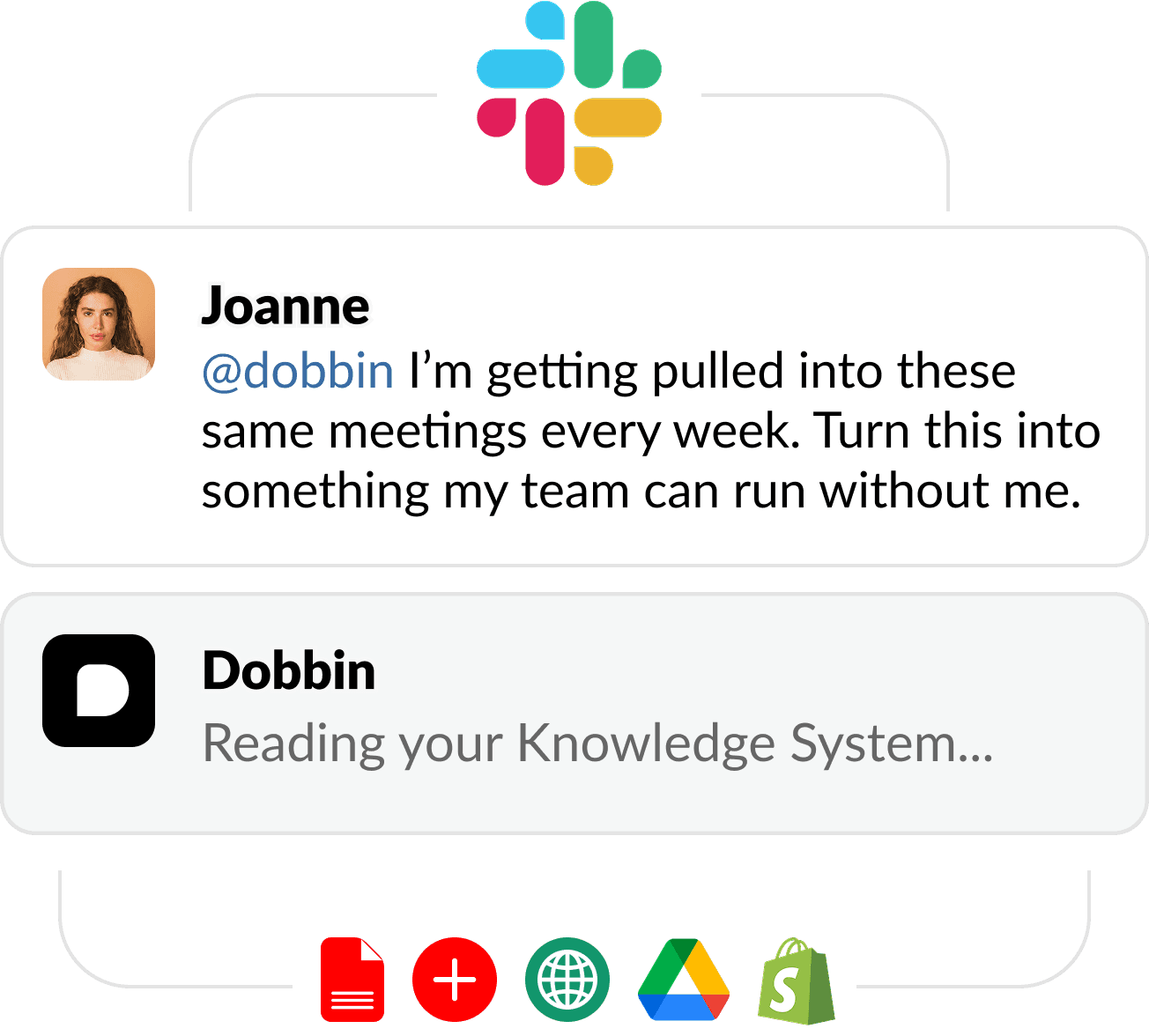
Mention @dobbin in any channel to start a thread, or DM it to work on something alone. One price for the whole team, so nobody runs out of credits.


Exports
Turn threads into docs and decks
Ask @dobbin to turn any thread into a PDF, Google Doc, Sheet or HTML page, or a PowerPoint or Google Slides deck on your company template.
Feedback
Gets better as you use it
React to any reply with an emoji and Dobbin learns what works for your team. Writing something? Hit “copy check” for a rewrite against your Foundation.


Threads
Set the tone per thread
Tell Dobbin how to work in each thread. Keep it loose for a brainstorm, or strict, with sources, for anything going out.
actively building
release notes
Show all release notes
Word Document Redlining and Capturing Decisions Made in Slack
Foundation Version Diffs and New Integrations
Personalized Workflows and Direct Document Saving from AI Clients
Word Document Redlining and Capturing Decisions Made in Slack
You can now review attached Word documents with native tracked changes and margin comments, while Dobbin automatically logs decisions made across your Slack conversations into a centralized timeline.
Foundation Version Diffs and New Integrations
Review visual diffs across your Foundation version history to see exact changes, and connect new integrations including Helper Functions and Incorta directly to your workspace.
Personalized Workflows and Direct Document Saving from AI Clients
Explore company-tailored workflows in Dobbin HQ and Slack threads. External AI clients like Claude can now save and update documents directly in your Dobbin Knowledge Base.
Formatted web pages for long answers and export to email
In Slack, long answers now arrive as clean, standalone web pages attached directly to the thread for easy reading and copying. Teams can also ask Dobbin to send generated decks, documents, and spreadsheets straight to their inbox.
Automatic Weekly Foundation Updates and Workspace Sign-In Copy
The Foundation now supports scheduled updates with section-by-section reviews across Slack, Teams, and Google Chat, while new Google and Microsoft sign-in options streamline trial onboarding.