back to videos
Tips
46 sec
Every reaction helps Dobbin learn what works best for your team.
Learn how to:
→ Use 👍 to reinforce helpful answers
→ Use 👎 to flag answers that need improvement
→ Use ❤️ to highlight exceptional examples
Transcript:
Did you know you can help Dobbin get smarter with a single click?
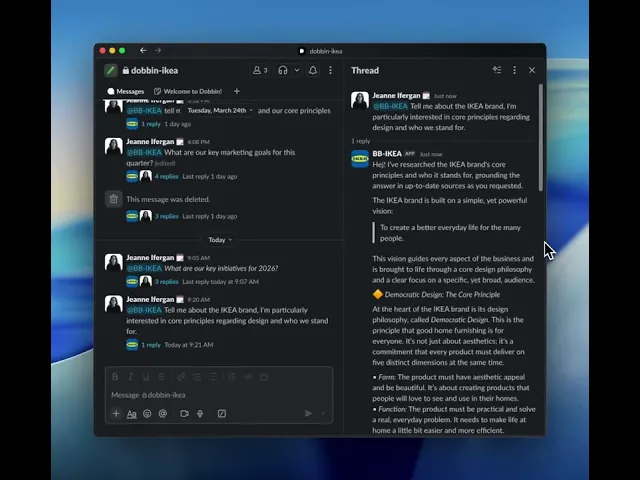
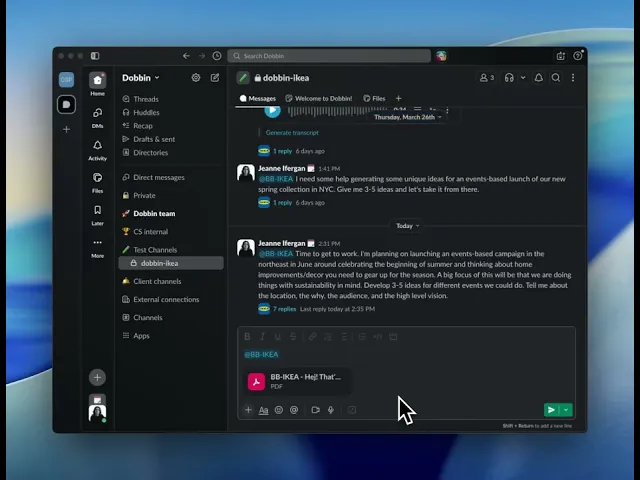
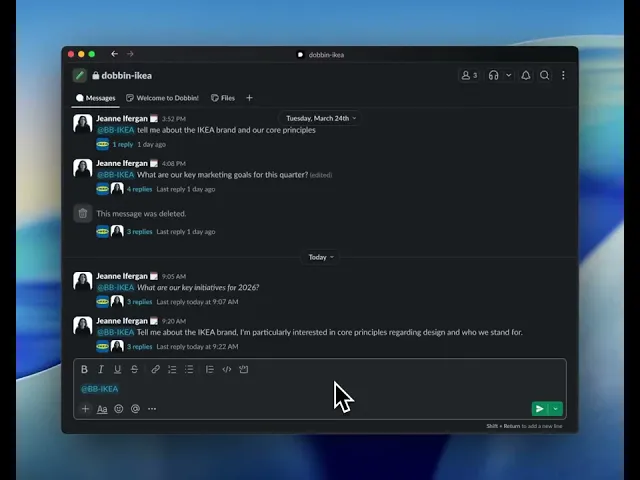
Here's how to give feedback directly in Slack.
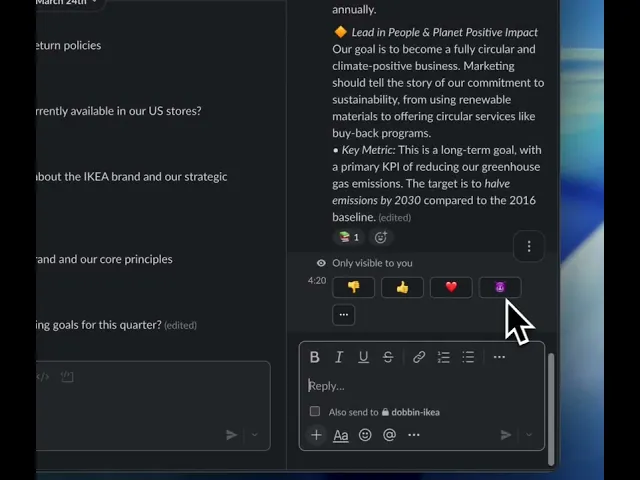
When Dobbin gives you an answer, you'll see a few emojis you can use to react.
If the answer is helpful and accurate, just click the thumbs up emoji.
This tells the system it's on the right track.
If the answer is wrong, unhelpful, or not what you were looking for, use a thumbs down emoji.
This is the most important signal you can send as it flags the response for review and helps us improve the system.
And if you get an answer that's exceptionally good, a perfect wow moment, react with the heart.
This marks it as high quality example for future training.
That's it.
Thumbs up for good, thumbs down for bad, and a heart for amazing.
Your feedback is what makes the system better for everyone.