back to videos
Tips
59 sec
Choose the thinking style that best fits the task.
Learn how to:
→ Use Precise for fact-based answers grounded in your company’s knowledge
→ Use Balanced for a mix of accuracy and creativity
→ Use Brainstorm to explore ideas and new possibilities
Transcript:
Did you know you can change Dobbin's thinking style for any conversation?
Here's how to use thread settings to get the perfect response for your task.
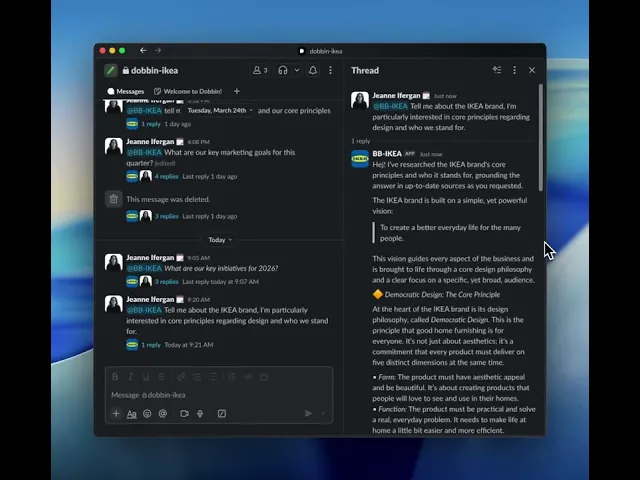
Once you're in a thread, go ahead and find the more actions button.
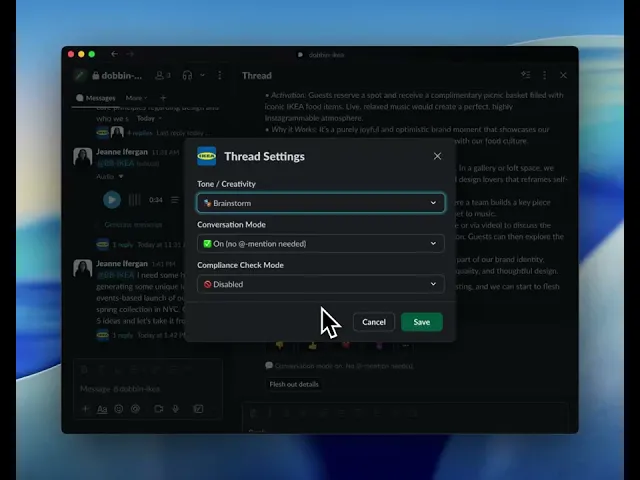
When you click the more actions button, you'll find a thread settings button.
Give it a click.
The default is balanced, which gives you a healthy mix of factual grounding and helpful creativity.
If you need a direct fact-based answer that sticks strictly to your official knowledge base, choose precise.
This is a perfect way to get straight facts and figures.
But if you're feeling stuck and you want new ideas, switch to Brainstorm.
This mode gives Dobbin more creative freedom to explore new angles and make unexpected connections.
And that's it, adjust the settings to match your task and get the exact kind of thinking partner you need right when you need it.